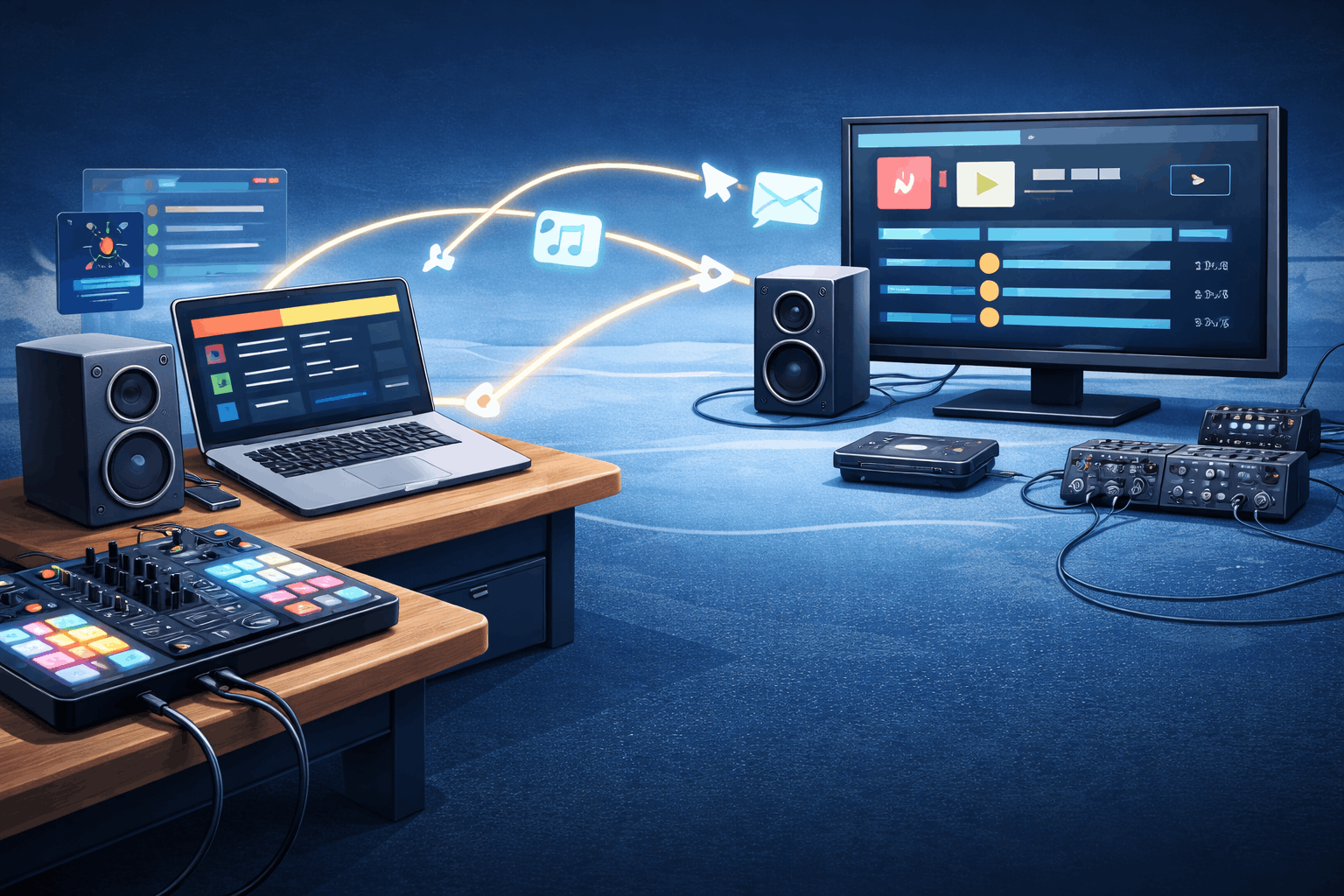
Pro Workflow: Using GuestDJ with Algoriddim djay Pro
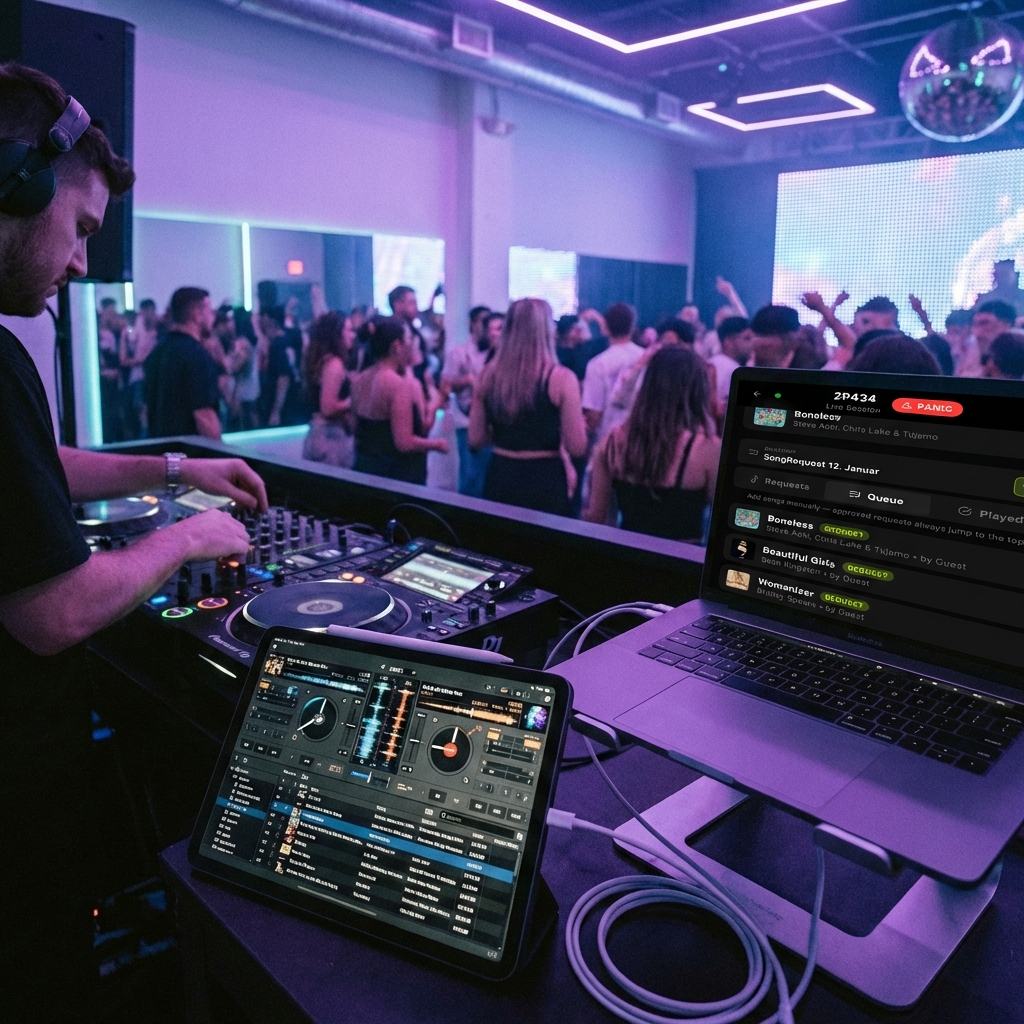
Professional DJs don't play from a web browser. We know that. Here is how to use GuestDJ with your existing pro setup.
GuestDJ is often the "Fun Party App", but under the hood, it is built on a powerful Apple Music integration that makes it a legitimate tool for professional gigging DJs.
The "Request Only" Workflow
If you are spinning on Algoriddim djay Pro (on iPad, Mac, or iPhone), you have one of the best streaming integrations in the world. djay Pro connects directly to your Apple Music library.
Here is how you bridge the gap between your guests' phones and your decks, without ever touching the clumsy "Play" button in a web browser.
Step 1: Set Up GuestDJ as "Gatekeeper"
Treat GuestDJ purely as your Request Inbox. Open it on a laptop or tablet to the side. Connect your Apple Music account, but do not use it for playback.
When a guest requests a song:
- You see it pop up in GuestDJ.
- You hit the green Checkmark to approve it.
- GuestDJ instantly adds that track to a specific playlist in your Apple Music library (usually named "GuestDJ Session").
Step 2: Sync to djay Pro
On your main DJ device (iPad/Mac running djay Pro):
- Open djay Pro.
- Tap the Music Note icon to open the library.
- Select Apple Music as your source.
- Find your "GuestDJ Session" playlist.
Boom. The song you just approved on the web is now sitting in your DJ software, ready to be loaded onto Deck A or Deck B.
Step 3: Mix Like a Pro
Now you have the best of both worlds:
- Guests get the fun, interactive experience of searching and voting on their phones.
- You get beat-matching, FX, stems, Neural Mix™, and full control over transitions.
No awkward silence while you search for a file. No fiddling with an aux cord. Just a seamless pipeline from "I want to hear this!" to "Drop the beat."
Why this setup wins
Using GuestDJ in Request Only Mode allows you to maintain the "God View" of the party while keeping your audio chain professional. You can reject bad requests without them ever cluttering your DJ software, and you can rearrange the order in djay Pro to fit the key and BPM of your set.
Note: This workflow requires an active Apple Music subscription and Algoriddim djay Pro.
Thanks for reading. Happy hosting!