Update: Smarter Playlists, Live Guest Count, and Better Flow

We're kicking off the year with a series of highly requested features that make life easier for both DJs and guests.
1. Start with Your Own Playlist (Import)
Many of you asked for the ability to "seed" the queue with music you've already curated. Now it's here.
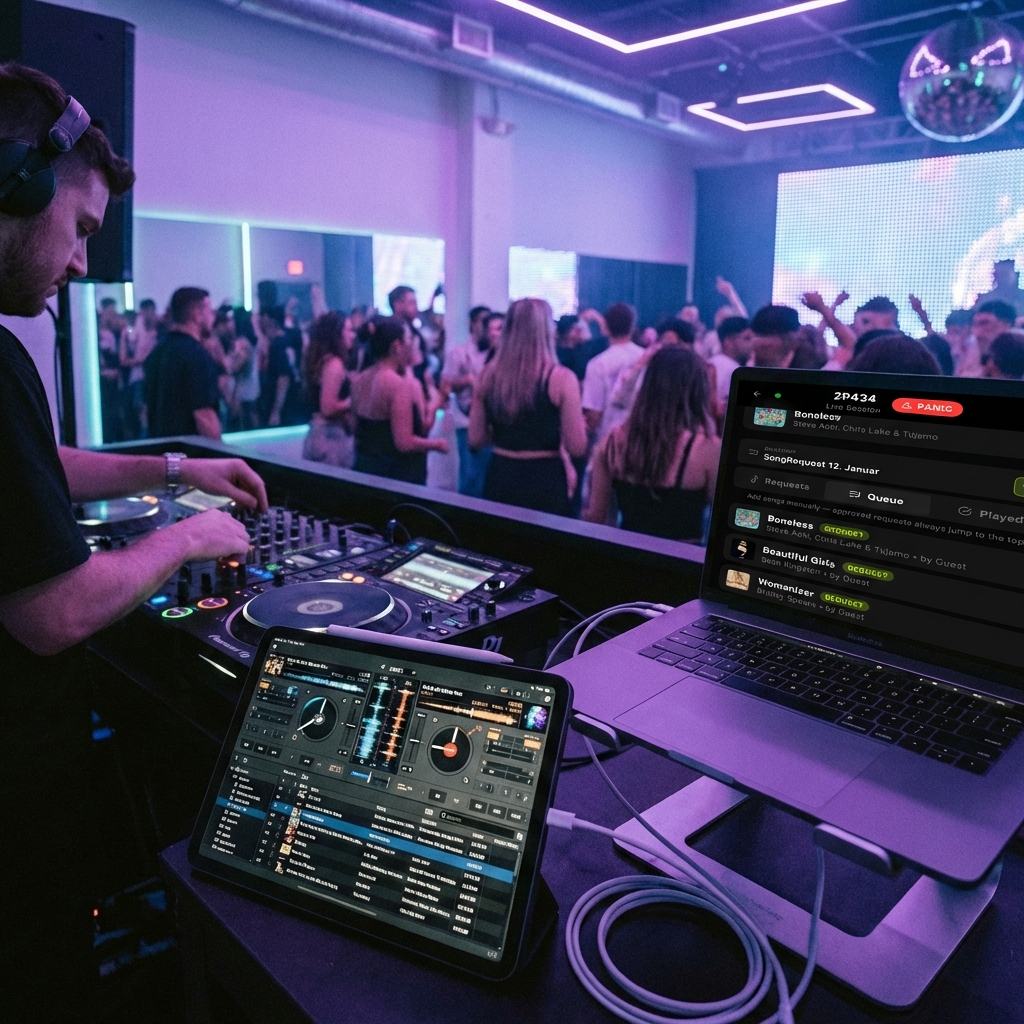
When you create a new session, you now have the choice: "Start with Playlist". The app automatically fetches your Apple Music playlists, allowing you to select which one to use as a starting point. Songs are added directly to the queue, so the music is ready from the first second.
Note: Guest requests you accept will always jump to the top of the priority list to ensure they get played next. However, you always have full control—simply drag and drop to reorder songs if you want to mix things up.
2. Live Guest Counter
Wondering how many people are actually in the app and "lurking" right now?
At the top of the DJ Dashboard, you'll now find a new icon showing the count of active guests in real-time. This gives you an immediate indication of engagement in the room. Seeing the number drop? Maybe it's time to remind people about the QR code!
3. "Party's Over" – A Better Ending
It's never fun when the party's over, but now at least it looks better. When you press End Session, guests are no longer met with a dry error message.
They are now sent to a dedicated summary screen thanking them for their participation. From here they can:
- See a summary of the session.
- Save the playlist you played directly to their own library (if enabled).
- Easily navigate away or join a new session.
4. Better History Overview
For our "Power Users" who run many sessions, the history list ("Past Sessions") has been overhauled.
We've introduced pagination, so you can easily browse back in the archive without the page becoming infinitely long. The list now shows the last 6 sessions per page, providing a tidier and faster dashboard, especially on mobile.
Enjoy the update!
Thanks for reading. Happy hosting!