Product 2 min read
The Panic Button: Emergency Control for DJs
Song Request Team
•
Sometimes, you need it to stop. Now.
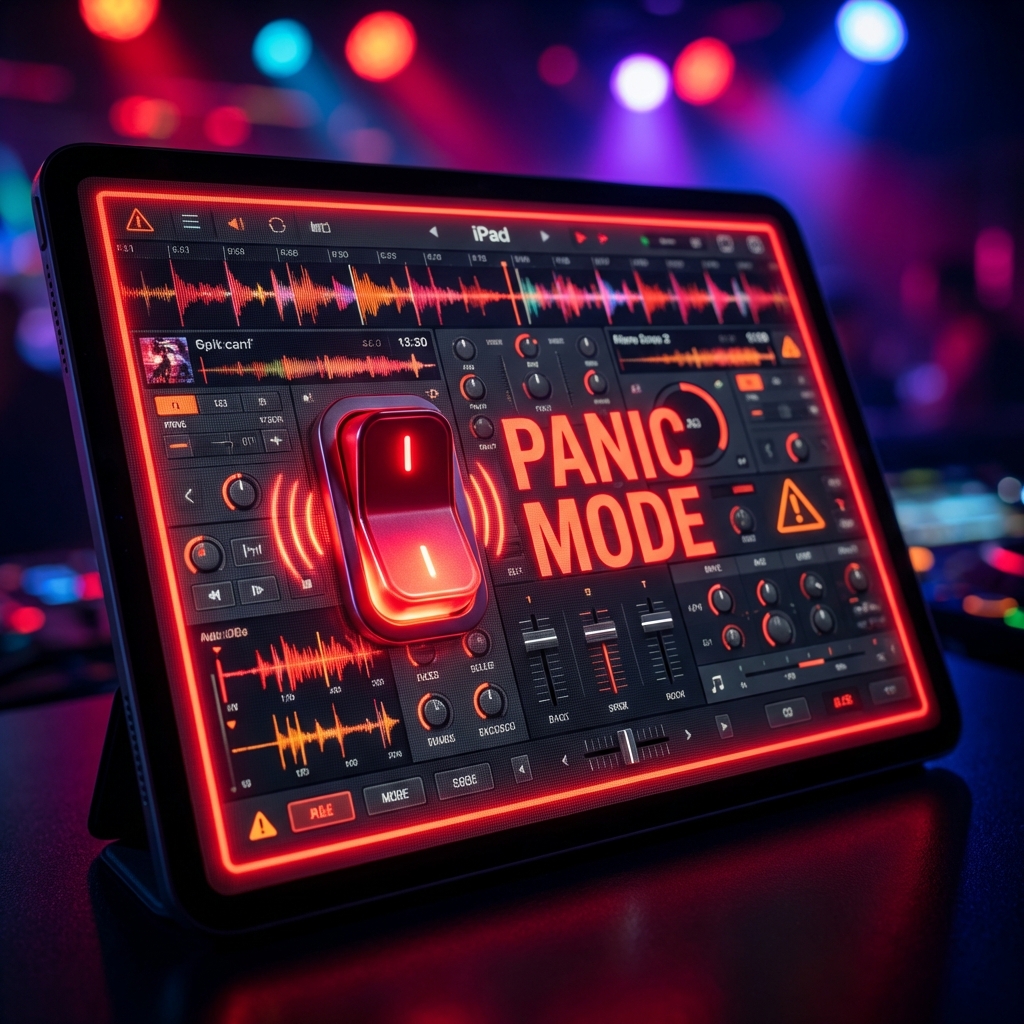
We built Panic Mode for the edge cases. The moments where fumbling with a mouse or finding the pause button isn't fast enough.
What does it do?
When you activate Panic Mode from your DJ Dashboard header:
- Requests Lock: Guests can no longer submit songs. Their phones will show a "Session Paused" state.
- Visual Alert: Your dashboard gets a red border, signaling you are in lockdown.
- Music Continues: Crucially, the music keeps playing. You don't kill the vibe, you just stop the chaos.
When to use it
- Speeches: The Best Man grabs the mic unexpectedly.
- Safety: The venue lights turn on or emergency services arrive.
- Reset: The queue has filled with troll requests and you need a breather to clear them out without new ones flooding in.
To resume, just toggle it off. The music picks up, and the request line re-opens. It's the ultimate kill switch for professional control.
Thanks for reading. Happy hosting!